

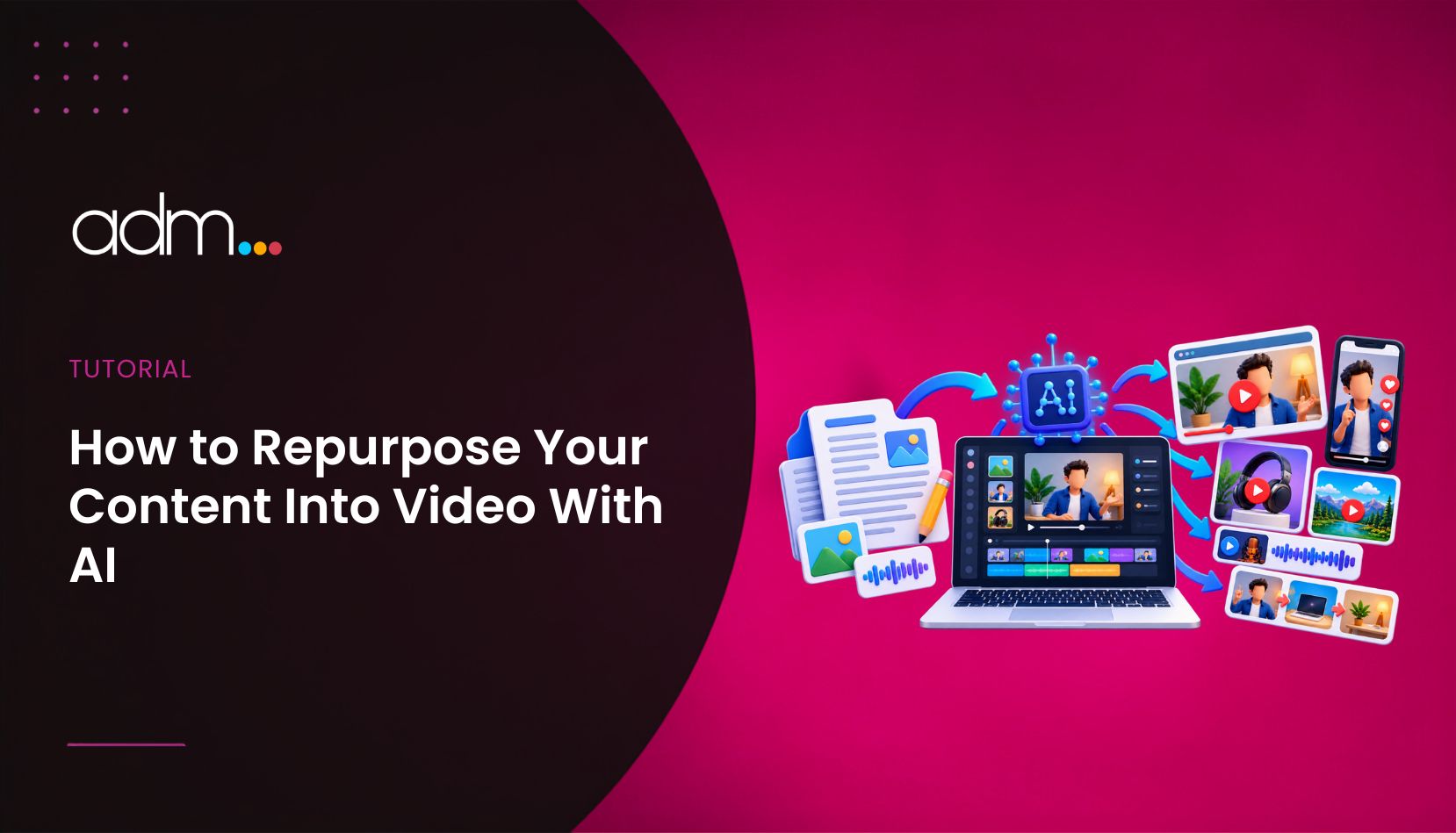
Most marketing teams already own more content than they use. There are blog posts that took days to write, webinars that were watched once, product pages that never got a video, and ideas that never left a planning document. At the same time, video keeps asking for attention: short clips for social, explainers for landing pages and demos for email.
The gap between the two is production. Turning a written idea into a video used to need a script, a camera and an editor. Now an AI Video Generator can turn a written description into a short clip, which you can then trim, caption and distribute. Higgsfield AI is a native AI creative suite, which offers advanced AI image, video, and voice generation, editing, and upscaling tools. This guide shows how to plan a repurposing workflow, brief the tool well and avoid the mistakes that make AI video feel cheap.
Why Should You Repurpose Content Into Video?
Reach is the first reason. Different audiences prefer different formats, and a reader who skips your article may stop for a thirty-second clip. Repurposing lets one idea travel across more channels.
Efficiency is the second. The research, the argument and the examples already exist. You are changing the format, not starting again. Our guide on content distribution strategy explains why planning distribution before you publish saves effort, and video is one of the strongest formats to plan for.
Search is the third. Google describes how video can appear in several places in results, and it publishes best practices for making videos easier to find in its video SEO guidance. A video on a well-structured page gives you another route into search.
What Can Higgsfield’s AI Video Generator Do?
According to the live product page, Higgsfield’s video tool offers several features that matter for marketers.
Prompt to video. You describe a scene in plain language, and Higgsfield generates a clip. This is the starting point for most repurposing work, such as turning a key point from an article into a short visual.
First and last frame control. You can set how a clip begins and ends, which helps when you want a transition to land on a specific image, such as a product shot or a logo card.
Edit any video. You can change existing footage by describing the change, so you are not limited to clips generated from scratch.
Motion control from a reference video. You can guide movement using a reference clip, which helps when you want a particular camera move or action.
Multiple models. The page lists Veo, Sora, Kling, Wan and Seedance among the available models, so you can try different looks for the same idea.
Cinema Studio. Photography and Videography modes give you a more directed, camera-minded way to build shots.
Native audio. Higgsfield can produce audio with lip sync, sound effects and music, so a clip does not have to be silent.
Free access to start. Higgsfield’s page mentions free access to begin, with paid features beyond that. It does not state limits or prices I can quote, so check Higgsfield’s site for current plans before you build a schedule around it.
How Do You Plan a Repurposing Workflow?
A simple structure keeps the work manageable.
- Pick your best content. Start with pieces that already perform. A post that earns steady traffic is a safe bet for a video version.
- Extract one idea. A 2,000-word article contains many ideas. Choose the one that can be explained in under a minute.
- Write a short script. Aim for a hook, one clear point and a next step. Read it aloud to check the pace.
- Plan the visuals. List three to five scenes. For each scene, write one plain sentence describing what the viewer should see.
- Generate the clips. Use Higgsfield to create each scene, then compare options and keep the best.
- Edit and caption. Trim the start, add captions and place the call to action.
- Distribute with intent. Post the clip where its audience already is, and link back to the original article.
How Do You Write Prompts That Produce Useful Video?
Clear prompts save time. A reliable formula is subject, action, setting, style and camera.
For example: “A marketer reviewing a content calendar on a laptop in a bright modern office, slow push in, soft natural light, clean and realistic.”
A few habits help:
- Describe one thing per clip. Short scenes are easier to control in Higgsfield than long, busy ones.
- Name the camera move. A slow push in, a pan or a static shot changes the feel.
- Keep style consistent. Use the same wording for lighting and mood across scenes so the clips match.
- Avoid text in the scene. Add titles and captions in your editor, where you can check every character.
- Iterate. If a clip is close, adjust one detail rather than rewriting everything.
Which Types of Content Work Best as AI Video?
Some formats suit this approach better than others.
Explainers. A short clip that clarifies a concept from a guide, supported by captions.
Social teasers. A few seconds that tease an article, with a link to read more.
Product and service visuals. Illustrative scenes that show a benefit without a full shoot.
Email openers. A short looping clip near the top of an email can help it stand out. Our guide on building an email list from scratch covers why the list itself comes first, and video helps you nurture it once you have one.
Landing page support. A brief video beside your headline can help visitors understand the offer faster. Test it against the same page without video.
How Do You Keep AI Video Credible?
Quality and honesty matter more than speed.
Check your facts. A clip is only as accurate as the script behind it. Review every claim.
Use real proof where you have it. Customer quotes, data and screenshots are more convincing than generated scenes. Use AI visuals to illustrate, not to invent evidence.
Match your brand. Colours, tone and pacing should feel like your company, not a generic template.
Disclose where appropriate. Platforms and clients have different rules on AI generated content. Check the current policy for each channel before you publish.
Aim for usefulness. Google’s guidance on people first content asks creators to make content that helps readers rather than content made to manipulate rankings. The same test applies to video: if it does not help the viewer, do not publish it.
What Mistakes Should You Avoid?
Trying to repurpose everything. Start with the best content, not all of it.
Clips that are too long. One idea per video. If you have three, make three clips.
Ignoring the first seconds. Open with the point, not a logo.
Skipping captions. Many people watch without sound.
Not measuring. Track watch time and clicks, then repeat what works. A simple log of what you tried and what happened builds knowledge over time.
What Are the Limits to Keep in Mind?
Higgsfield, like any AI video tool, is a starting point, not a replacement for strategy. It will not fix a weak message, and results vary from clip to clip. Generated scenes can contain small errors, so review every second before publishing.
The product page does not state clip length limits or pricing, so confirm those details with Higgsfield before you promise anything to a client or build a campaign around them.
Is Repurposing With an AI Video Generator Worth It?
If you already have a library of useful content and little time to produce video, yes. Pick one strong article, turn its main point into a short Higgsfield clip, post it and measure the result. If it brings in views or clicks you would not have had otherwise, repeat the process. If not, you have spent an afternoon, not a production budget.
Frequently Asked Questions
Do I need filming equipment? No. Higgsfield generates clips from written descriptions, and you can edit existing footage with it too.
Which models are available? The product page lists Veo, Sora, Kling, Wan and Seedance among them.
Can the clips include sound? Yes. The page lists native audio with lip sync, sound effects and music.
Is there a free way to start? The page mentions free access to begin, with paid features beyond that. Check the site for current details.
How long should a repurposed clip be? Keep it as short as the idea allows. One point per clip works well for social and email.
Does AI video replace my written content? No. It extends its reach. Your articles remain the source of the ideas and the destination for readers who want depth.