

You spent two days on the email. The offer is good. The design looks clean on mobile. The copy finally sounds like your brand instead of a brochure. You hit send, wait a few hours, open the report, and it’s flat. Nobody clicked, because hardly anybody looked past the inbox.
That’s the part people underestimate. The subject line is the only piece of your email most subscribers will ever read. They see it sitting in a stack with forty other messages, give it a glance that lasts about as long as a blink, and decide. Open, ignore, delete, or worse, report as spam. A brilliant email that never gets opened produces exactly the same result as an email you never sent. Zero.
And honestly, the job got harder in the last few years. Apple changed how opens get counted, so the number most marketers used to judge subject lines stopped telling the truth. Gmail and Yahoo tightened the rules for anyone sending at volume. Then the AI inbox showed up, with Gmail and Apple Mail summarizing emails and sorting what looks important. Some of the old advice still works. Some of it quietly stopped working and nobody updated the listicles.
So this guide starts at the very beginning. What a subject line actually is, how people decide what to open, and what open rate really measures today. Then it gets into the craft: length, preheaders, sender names, formulas, personalization, emojis. After that comes the technical layer most guides skip, spam filters and AI inboxes. Finally, there are more than a hundred original examples sorted by campaign type, a proper testing method, and a checklist to run before every send. If writing email subject lines has always felt like guesswork, by the end it should feel more like a process you can repeat.
📌 TL;DR
- Clarity beats cleverness. If the reader can’t tell what the email is about, they won’t open it.
- Put the most important words in the first 30 or so characters, because mobile cuts the rest.
- Sender name, subject line, and preheader work as one unit. Write all three.
- Judge subject line tests on clicks and conversions, not opens. Apple’s privacy feature inflates opens.
- A bad sender reputation hides even great subject lines in the spam folder. Protect it.
- AI inboxes reward specific, honest subject lines and punish vague teasers.
What a Subject Line Actually Does (And What It Doesn’t)
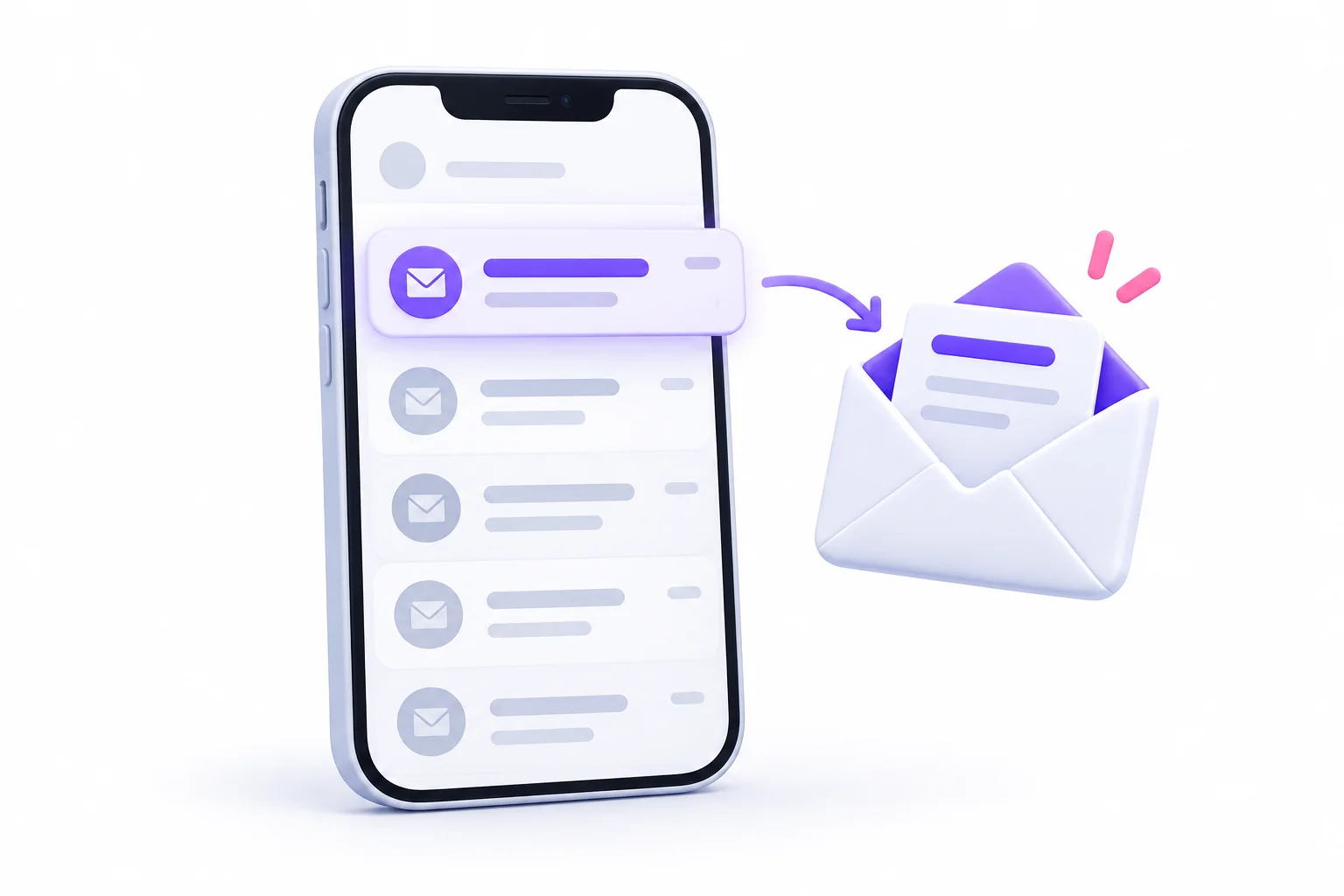
Before learning how to write good ones, it helps to be very clear about the subject line’s job. It has exactly one: earn the open, honestly. Not sell the product. Not tell the whole story. Not prove how witty the copywriter is. Just give the right person a good enough reason to tap.
Definition in Plain Terms
A subject line is the short line of text that shows up in someone’s inbox before they open your email. It’s set by the sender, it appears in bold (or close to it) in most email apps, and it’s usually the biggest piece of text in the inbox preview.
Think of it like the headline on a newspaper sitting at a newsstand. Nobody buys the paper because of paragraph six. They buy it because the headline made them want paragraph one.
A few things that make subject lines different from other copy:
- They’re read in a list, right next to competing messages, not in isolation
- They get cut off at different points depending on the device
- They’re read at speed, often with a thumb already moving toward the next email
- They carry legal weight in some countries, because a misleading one can break anti-spam law
The Three Things People See Before Opening
Here’s something beginners often miss. People don’t see your subject line alone. They see three pieces of information stacked together, and they read them in a particular order.
| Element | Where It Appears | What It Controls |
|---|---|---|
| Sender name | First, usually bold | Trust (“Do I know them?”) |
| Subject line | Second | Interest (“Do I care?”) |
| Preheader | Third, in lighter grey text | Context (“Is it worth it right now?”) |
Look at what actually happens in a real inbox. Your eye lands on the sender name first. If it’s a name you know and like, you keep reading. If it’s a stranger, you’re already suspicious. Then the subject line either grabs you or doesn’t. The preheader is the tiebreaker, the little extra nudge that answers “okay, but what exactly?”
That’s why this guide spends whole sections on sender names and preheaders later. They’re not side topics. They’re two-thirds of the inbox preview.
What a Subject Line Cannot Fix
Yeah, subject lines matter a lot. But they’re not magic, and treating them like magic leads to a lot of wasted testing. A subject line can’t rescue:
- A bad list. If people never asked for your emails, or signed up three years ago and forgot, no wording will make them care.
- A poor sender reputation. If inbox providers already distrust your domain, your email may land in spam where nobody sees the subject line at all.
- Irrelevant content. You might win the open once. You won’t win it twice.
- The wrong frequency. Email daily when people expected monthly, and even good subject lines start getting ignored.
🚫 Myth Buster
“A clever subject line will save a weak email.” Nope. The subject line earns the open. The content earns the next open. Trick people once and they’ll remember your name for the wrong reason.
How People Decide Which Emails to Open
So what’s going on in someone’s head during that half-second scan? If you understand the decision, writing for it gets much easier. And it’s less mysterious than it sounds.
The Scan, Not the Read
Nobody reads an inbox the way they read an article. They scan it. Thumb scrolling, eyes jumping from bold text to bold text, sorting messages into rough piles without really thinking.
Those piles look something like this:
- Open now: clearly relevant, from someone trusted, or time-sensitive
- Open later: interesting but not urgent (and “later” often means never)
- Ignore: not obviously useful, so it just sits there
- Delete: clearly irrelevant
- Report as spam: doesn’t recognize the sender, feels misleading, or just annoyed
That last pile is the dangerous one. Every spam report tells Gmail, Yahoo, and the others that people don’t want your mail. Enough of those and your future emails stop reaching the inbox at all.
The Four Open Triggers
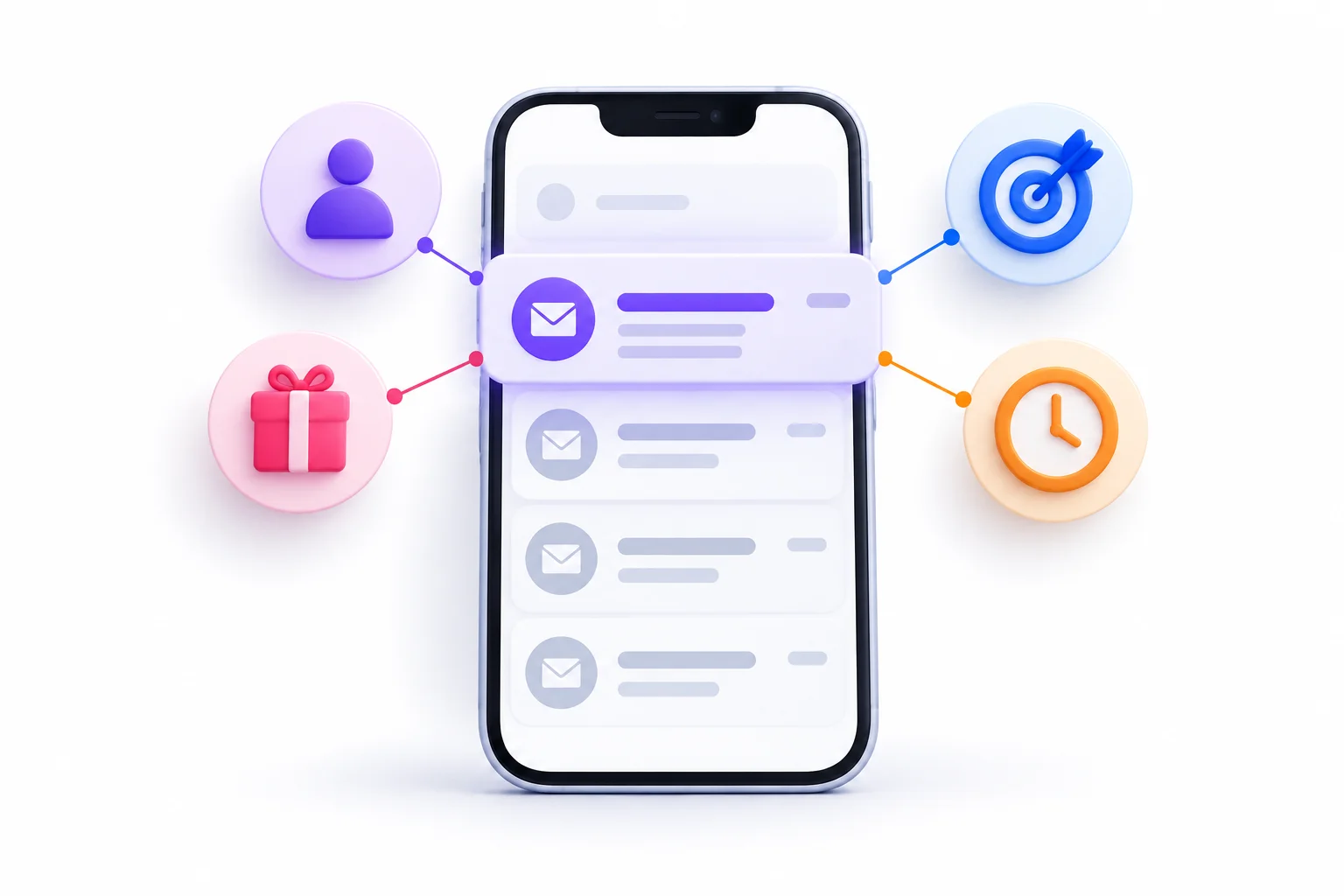
When someone does open an email, it’s almost always because one or more of these four things clicked:
- Recognition. “Oh, it’s them.” A familiar sender name lowers the guard instantly.
- Relevance. “This is about me.” The topic connects to something they care about, own, or are dealing with.
- Reward. “There’s something in it for me.” A discount, an answer, a useful idea, a bit of entertainment.
- Timing. “This matters now.” A deadline, an event tomorrow, an order that just shipped.
A subject line doesn’t need all four. But if it hits none of them, it’s background noise.
Why Trust Comes Before Curiosity
Here’s where a lot of copywriting advice goes sideways. People love curiosity subject lines. “You won’t believe this.” “Quick question.” “About yesterday…”
From a friend? Sure, you’d open that. From a brand you’ve never heard of? That’s what phishing emails look like. Curiosity only works once trust exists. Without it, mystery reads as a threat.
So the order of operations is: earn recognition first, then you get permission to be intriguing.
| Trigger | Question in the Reader’s Head | Subject Line Lever |
|---|---|---|
| Recognition | Do I know them? | Consistent sender name, familiar voice |
| Relevance | Is this for me? | Segmentation, personalization |
| Reward | What’s in it for me? | A specific, concrete benefit |
| Timing | Why should I open it now? | A real deadline, news, an event |
Understanding Open Rate Before You Try to Improve It
This is the section most subject line guides skip, and it’s honestly the one that matters most. Because if you don’t understand what open rate measures today, you’ll “improve” your subject lines based on numbers that aren’t real.
What Open Rate Measures and How It’s Calculated
Open rate is the percentage of delivered emails that got opened. The basic formula is:
Open rate = (Unique opens ÷ Delivered emails) × 100
Quick example. You send to 10,000 people. 400 bounce, so 9,600 get delivered. Your email platform records 2,400 unique opens.
2,400 ÷ 9,600 = 0.25, so your open rate is 25%.
A couple of details worth knowing:
- Unique opens count each person once, even if they opened the email five times
- Delivered excludes bounces, so open rate is based on emails that actually arrived somewhere (inbox or spam)
Now, how does the platform know someone opened the email? It hides a tiny invisible image, often called a tracking pixel, inside the message. When the email app loads that image, the platform records an open. That detail is about to matter a lot.
Why Open Rates Became Unreliable
In September 2021, Apple released Mail Privacy Protection with iOS 15 and macOS 12. When a user turns it on, Apple downloads the email’s content, images included, through its own proxy servers in the background. That means the tracking pixel fires whether or not the person ever actually looks at the email.
So every Apple Mail user with that feature switched on can show up as an “open.” Even people who scrolled straight past you.
Look at what that does to your data:
- Opens get inflated. Sometimes by a lot, depending on how many of your subscribers use Apple Mail.
- Two audiences with the same real engagement can show very different open rates, just because one has more iPhone users.
- Subject line tests get muddied, because a chunk of the “opens” on both versions came from a machine, not a person.
And it cuts the other way too:
- Image blocking hides real opens. Some people read emails with images turned off, so the pixel never loads and the open never registers.
- Security scanners fake opens in B2B. Corporate email systems often scan incoming links and images for threats, which can trigger opens (and even clicks) that no human made.
So the honest answer is: open rate is now a rough signal, not a precise measurement.
What a “Good” Open Rate Looks Like
Everyone wants a number here. “What’s a good open rate for my industry?” The trouble is that published benchmarks lump together senders with very different audiences, different Apple Mail shares, and different ways of filtering machine opens. Some platforms strip out Apple’s automated opens. Some don’t. A benchmark from one platform and your report from another aren’t even measuring the same thing.
So here’s a more useful way to think about it:
- Your own baseline beats any industry average. Track your open rate over months and look at the trend.
- Compare like with like. Same list, same type of email, same platform settings.
- Watch for sudden jumps or drops, because they often mean something changed in tracking or deliverability, not in your writing.
- Treat open rate as a relative signal. This month versus last month. Version A versus version B. Not “we hit 40%, we’re great.”
Better Metrics to Judge Your Subject Lines
If opens are fuzzy, what should you look at instead? The good news is that other metrics reflect what real people actually did.
| Metric | What It Tells You | Reliability Today | Use It For |
|---|---|---|---|
| Open rate | Rough attention signal | Low to medium | Trend direction only |
| Click rate | Real engagement with the content | High | Your main subject line test metric |
| Click-to-open rate | Whether the content matched the subject line’s promise | Medium (affected by inflated opens) | Spotting misleading subject lines |
| Reply rate | Whether a conversation started | High | Sales and cold email |
| Unsubscribe and spam complaint rate | Whether you annoyed people | High | Guardrail, the “do no harm” check |
| Conversions | Whether it made money or hit the goal | High | The final verdict |
Here’s the logic for using click rate. A person can’t click a link in an email they never opened. So a click proves two things at once: the subject line earned the open, and the content was worth acting on.
💡 Pro Tip
Check whether your email platform offers a way to filter out or flag Apple’s automated opens. Many of them label these as “machine opens” or “prefetched opens” and can show an adjusted open rate. Use that version when comparing subject lines.
The Anatomy of High-Performing Email Subject Lines
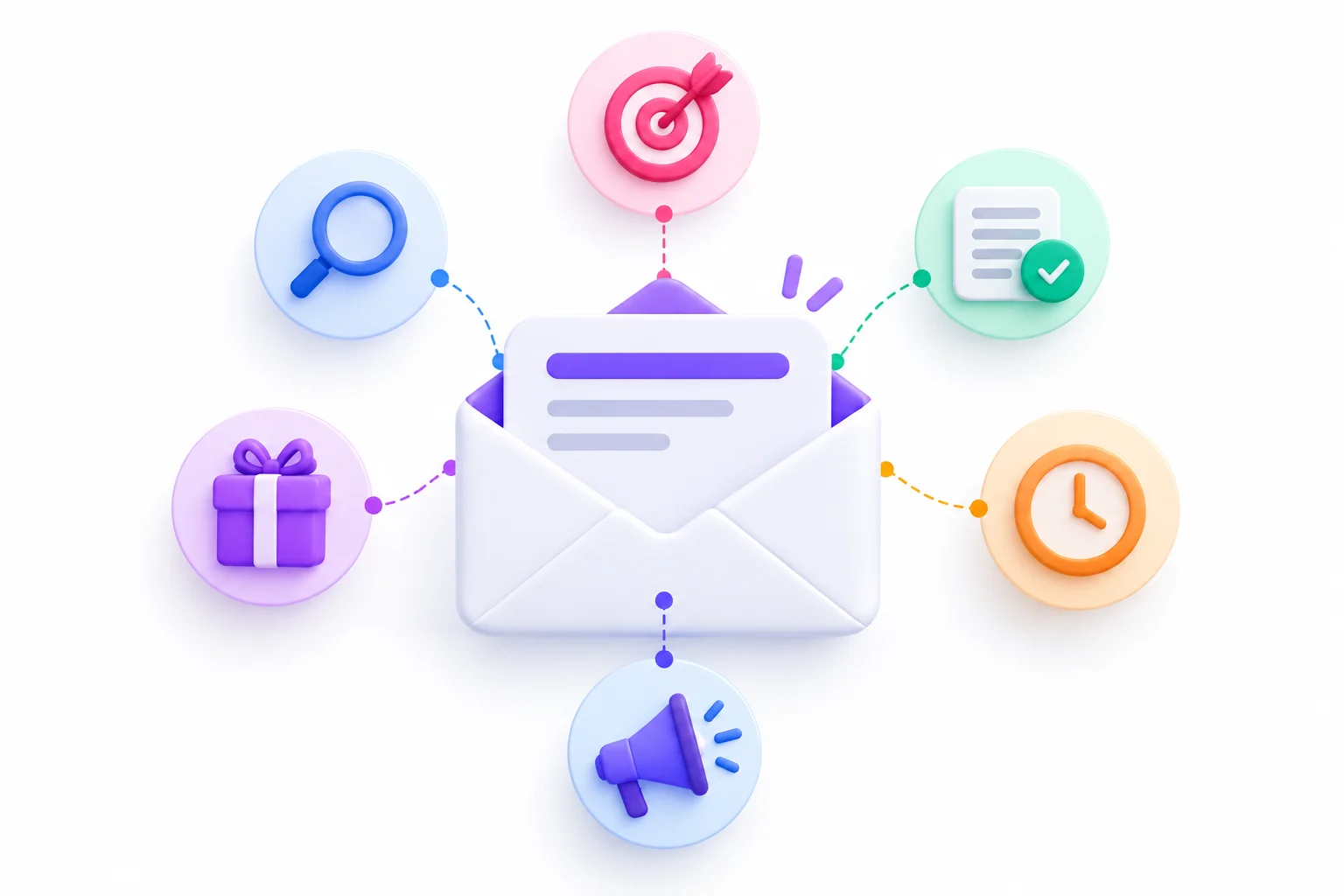
Okay. Now the craft. What separates a subject line that gets ignored from one that gets tapped? It’s not a secret formula. It’s a handful of qualities that show up again and again in email subject lines that actually perform, and once you can spot them, you can’t unsee them.
The best way to learn these is side by side: a weak version, a stronger version, and why the second one works.
Clarity
Clarity means the reader instantly knows what the email is about. No decoding needed.
This sounds boring. It isn’t. Clarity is the single most underrated quality in subject line writing, because marketers get bored of their own messages and start trying to be clever. Readers, though, are seeing your message for the first time.
- Weak: “Big news inside!”
- Strong: “Our pricing changes on November 1”
The first one could be about anything. The second tells you exactly what’s inside and why you might care.
Relevance
Relevance means the subject line connects to something the reader actually cares about. Not what you care about. What they care about.
- Weak: “Check out our new feature”
- Strong: “You can now export reports straight to Excel”
The weak version is about the company’s launch. The strong version is about the reader’s afternoon.
Specificity
Specific subject lines feel real. Vague ones feel like marketing. Numbers, names, timeframes, and concrete details give the reader something to grab onto.
- Weak: “Tips to grow your email list”
- Strong: “3 popup changes to test this week”
Specifics also signal effort. Anyone can write “tips.” Someone who writes “3 popup changes” sounds like they’ve actually done it.
Value or Benefit
This one answers the reader’s silent question: “What do I get?” Sometimes it’s money. Sometimes it’s time, a solved problem, or just something interesting.
- Weak: “Our May newsletter”
- Strong: “How to cut your weekly reporting time in half”
Nobody wakes up wanting a newsletter. They want what’s in it. So say what’s in it.
Curiosity (Without Clickbait)
Curiosity works by opening a small gap the reader wants to close. The key word is small. A good curiosity line hints at something specific and then actually pays it off inside the email.
- Weak: “You won’t believe this…”
- Strong: “The one setting most new stores forget to change”
The weak line is pure mystery with nothing to grab. The strong line still makes you curious, but you know what topic you’re getting.
Clickbait is when the email doesn’t deliver what the subject line promised. It can boost opens once. Then people learn to distrust you, and unsubscribes follow.
Urgency (When It’s Real)
Urgency gives a reason to open now instead of later. It works really well, which is exactly why it gets abused.
- Weak: “URGENT: Don’t miss out!!!”
- Strong: “Your 20% discount expires tonight at midnight”
The strong version has a real deadline and a real offer. The weak version shouts but says nothing. And if that “last chance” email gets resent three more times, readers stop believing you.
Voice and Brand Consistency
Your subject lines should sound like you. A playful snack brand and a cybersecurity firm shouldn’t write the same way. When your subject lines have a consistent voice, people start recognizing your emails before they even read the sender name.
- Weak (for a fun brand): “Notification regarding updated product offerings”
- Strong (for a fun brand): “We made the spicy one even spicier”
| Element | Weak | Strong | Why It Works |
|---|---|---|---|
| Clarity | “Big news inside!” | “Our pricing changes on November 1” | States exactly what’s inside |
| Relevance | “Check out our new feature” | “You can now export reports straight to Excel” | Framed around the reader’s task |
| Specificity | “Tips to grow your email list” | “3 popup changes to test this week” | Concrete, believable, actionable |
| Value | “Our May newsletter” | “How to cut your weekly reporting time in half” | Leads with the payoff |
| Curiosity | “You won’t believe this…” | “The one setting most new stores forget to change” | Intriguing but still clear |
| Urgency | “URGENT: Don’t miss out!!!” | “Your 20% discount expires tonight at midnight” | A real reason to act now |
| Voice | “Notification regarding updated product offerings” | “We made the spicy one even spicier” | Sounds like a real brand, not a robot |
📌 Key Takeaway
Every strong subject line answers at least one of two questions: “What is this?” or “Why should I care?” The best ones answer both in under ten words.
Subject Line Length and Mobile Truncation
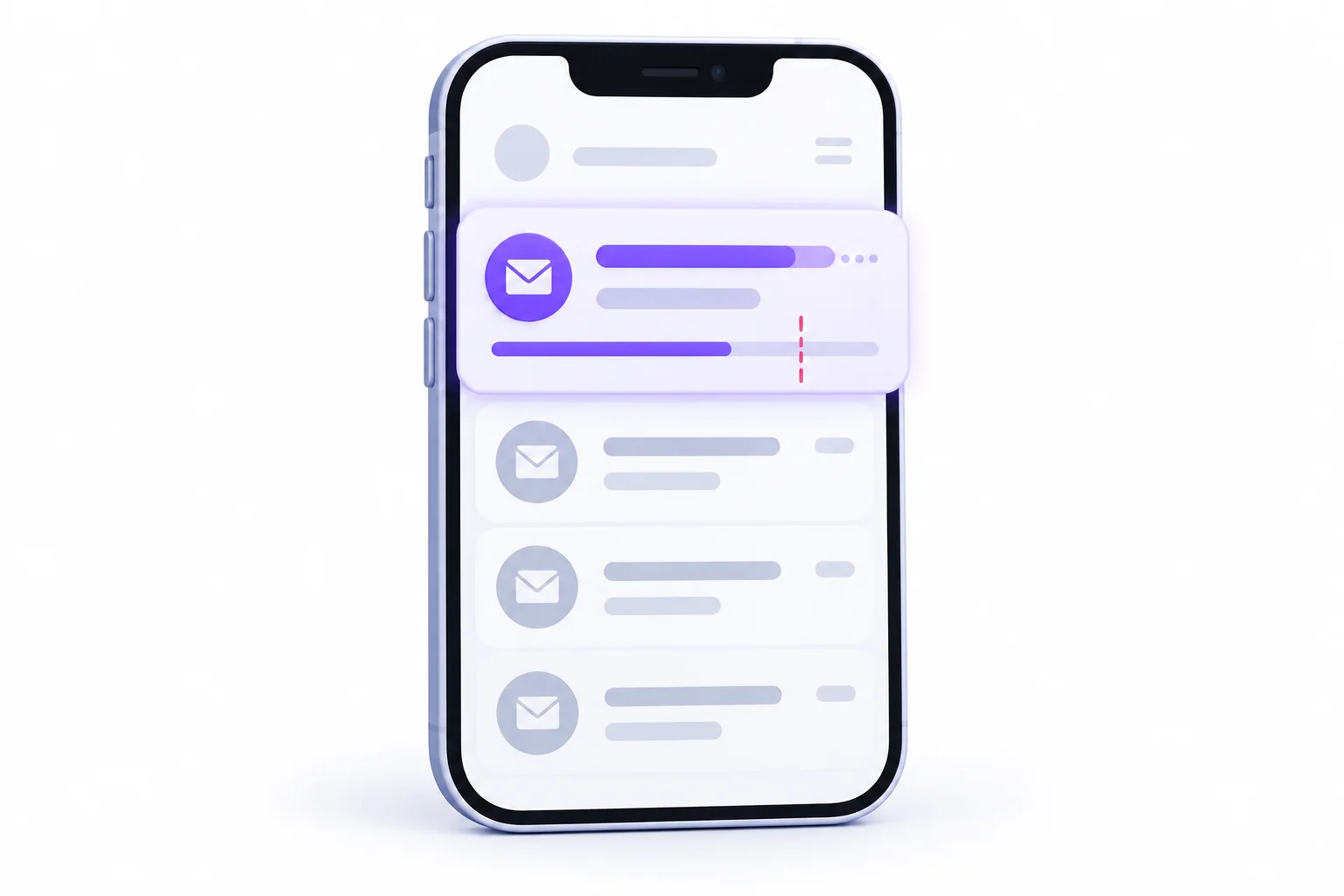
Length is probably the most debated topic in subject line writing. You’ll hear “keep it under 50 characters,” “under 40,” “under 30,” and plenty of people swearing long ones work better. So what’s the real story?
The real story is less about a magic number and more about one practical problem: phones cut subject lines off.
Characters vs Words: Which Matters
Email apps cut off subject lines based on how much physical space the text takes on screen, which roughly tracks character count. That’s why most guidance talks in characters, not words.
But words still matter for reading. “Your order has shipped” is four words and 22 characters. It reads in a heartbeat. A 40-character subject line stuffed with long jargon words feels heavier than a 40-character line of short, plain words.
So the practical rule:
- Count characters to avoid getting cut off
- Think in words to keep it easy to read
- Plain short words beat long fancy ones every time
How Many Characters Show on Each Device
Here’s roughly how many characters different email apps show before cutting off the subject line. Treat these as approximate. They shift with screen size, font settings, device model, and app updates.
| Client / Device | Approx. Visible Characters |
|---|---|
| Gmail app (Android) | About 33 to 37 |
| Gmail app (iPhone) | About 37 to 40 |
| Outlook app (iPhone) | About 38 |
| Apple Mail (iPhone) | About 48 |
| Outlook (desktop) | Around 50 |
| Gmail (desktop, wide screen) | 70 or more |
See the pattern? The tightest common screens show somewhere in the mid-30s. Desktop shows much more. And since a big share of email gets read on phones, mobile is where the real limit sits.
Front-Loading: Put the Important Words First
This is the most useful length technique, and it matters more than hitting any specific character count. Put the words that matter most at the start of the subject line. If anything gets cut off, make sure it’s the less important bit.
Look at the difference:
- Before: “We wanted to let you know that our biggest sale of the year starts today”
- On a phone, that might show as: “We wanted to let you know that our bi…”
That tells the reader nothing.
- After: “Biggest sale of the year starts today”
Same message. Fully visible. The important part lands instantly.
A quick front-loading routine:
- Write the subject line however it comes out
- Find the one phrase that matters most (the offer, the topic, the deadline)
- Move it to the front
- Cut warm-up words like “Just wanted to,” “We’re excited to,” “Don’t forget that”
When Longer Subject Lines Work
So are long subject lines always bad? Nope. They can work well in a few situations:
- Loyal newsletter readers. People who already love your newsletter will open it anyway, and a longer line can tease more of what’s inside.
- Detailed B2B offers. Sometimes “Free template: Q4 marketing budget planner for small teams” needs every word to land with the right reader.
- Desktop-heavy audiences. If your analytics show most of your readers open on desktop, you have more room.
- When the front still works alone. A longer line is fine if the first 30 or so characters make sense even when the rest gets chopped.
⚡ Quick Win
Pull up your last five subject lines. Read only the first 30 characters of each. If any of them stop making sense when cut there, rewrite them with the key phrase moved to the front.
Preheader Text: Your Second Subject Line
If the subject line is the headline, the preheader is the subheading. It’s one of the easiest wins in email marketing, and a surprising number of senders waste it completely.
What Preheader Text Is
Preheader text (also called preview text) is the short snippet that shows up right after or under the subject line in the inbox. It’s usually grey and smaller.
If you don’t set it, the email app grabs whatever text appears first in your email. Often that’s something useless like “View this email in your browser” or “Having trouble viewing this email?” That’s prime real estate thrown away.
Most email platforms let you write the preheader directly in a field next to the subject line. Use it every single time.
How to Write One That Completes the Subject
The best preheaders don’t repeat the subject line. They finish the thought. Think of the pair as a two-part sentence where the second part adds something new.
A good preheader can:
- Extend the subject line with more detail
- Answer the question the subject line raised (partly)
- Add a deadline that the subject line didn’t have room for
- Add proof, like a customer result or a number
- Add a second benefit for people the first one didn’t hook
Keep in mind the preheader gets cut off too, and how much shows depends on the device and how long your subject line is. So again, front-load.
Pairing Patterns
| Pattern | Subject Line | Preheader |
|---|---|---|
| Extend | “New: dark mode is here” | “Plus three other updates you asked for” |
| Answer the curiosity | “The mistake that cost us 200 subscribers” | “And the 10-minute fix that brought them back” |
| Add the deadline | “25% off all winter jackets” | “Ends Sunday at midnight, no code needed” |
| Add proof | “How one bakery doubled online orders” | “The exact email sequence they used, step by step” |
| Add a second benefit | “Your free planner is ready” | “Bonus: a printable weekly checklist inside” |
Notice how each preheader gives a second reason to open. The subject line hooks. The preheader closes the deal.
Common Preheader Mistakes
These show up constantly, even from big brands:
- Leaving it blank. The app fills it with random first text from your email, often an image file name or “View in browser.”
- Repeating the subject line. “Summer sale is on” followed by “Our summer sale is on now.” That’s a wasted line.
- Writing something generic. “Click here to read more” adds nothing.
- Forgetting the alt text problem. If your email starts with an image, its alt text might become the preview.
- Making it too long without front-loading. The important bit gets cut off just like a long subject line would.
Sender Name: The Overlooked Open Driver
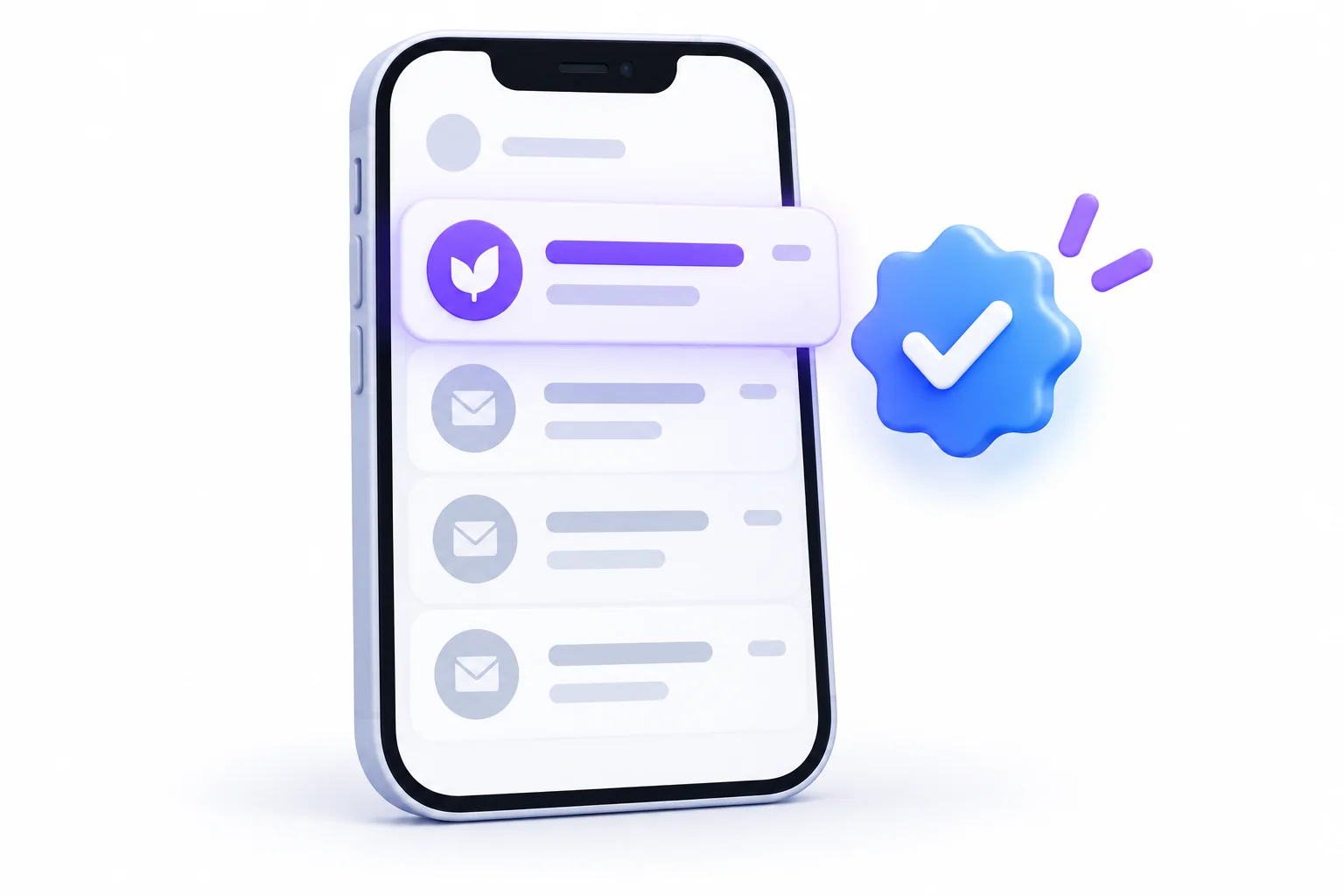
Remember the order people read the inbox? Sender name first. That means the sender name often does more work than the subject line, and most people pick it once and never think about it again.
Sender Name Formats Compared
There are three common ways to set your sender name (also called the “From” name), and each has trade-offs.
| Format | Example | Best For | Watch Out |
|---|---|---|---|
| Brand only | Brightleaf Studio | Promotions, transactional emails | Can feel corporate and cold |
| Person only | Riya | Newsletters, founder-led brands | Confusing if readers don’t know who Riya is |
| Person + brand | Riya at Brightleaf | B2B, cold outreach, newsletters | Gets long, may be cut off on mobile |
So which one should you pick? Depends on the relationship. If people signed up because of a person (a creator, a founder, a writer), use the person. If they signed up because of the brand, lead with the brand. “Person at Brand” is a nice middle ground when you want warmth without losing recognition.
Consistency Builds Recognition
Whatever you choose, keep it consistent. Changing your sender name every campaign is like a friend texting you from a new number every week. Eventually you stop recognizing them.
A few rules that help:
- Pick a format and stick with it for each type of email
- It’s fine to vary by email stream. Your newsletter might come from “Riya at Brightleaf” while order updates come from “Brightleaf Orders.”
- Match the sender name to the signup moment. If someone signed up on a page with a founder’s face on it, emails from “Brightleaf Marketing Team” will feel like a bait-and-switch.
- Avoid “no-reply” style names, like “noreply@” showing as the sender. It feels cold and tells people you don’t want to hear from them.
BIMI and Verified Logos
BIMI (Brand Indicators for Message Identification) is a standard that lets your brand logo appear next to your emails in supported inboxes, such as Gmail, Apple Mail, and Yahoo. In some inboxes, it can also show a verified checkmark.
Why does that matter for opens? Because a logo in the inbox is an instant recognition trigger. It also makes your emails harder to fake, which builds trust.
The catch is that BIMI needs some technical setup first:
- Your domain needs proper email authentication, including a DMARC policy set to enforcement (meaning suspicious mail actually gets quarantined or rejected, not just logged)
- Some inboxes, including Gmail, require a verified mark certificate for your logo to show
- Your logo needs to be in a specific file format
This connects closely to deliverability, which gets its own section further down.
12 Proven Subject Line Formulas (With Templates)
Formulas are training wheels. They’re incredibly useful when you’re starting out or staring at a blank field at 6 p.m. But they’re starting points, not scripts. Use them to get a first draft, then edit until it sounds like you.
Here are twelve that cover most situations, with a template, an original example, when to use each one, and the risk to watch for.
| # | Formula | Template | Original Example | Best For | Risk |
|---|---|---|---|---|---|
| 1 | Direct benefit | Get [result] without [pain] | “Get cleaner skin without a 10-step routine” | Promotions, product emails | Can feel generic if the benefit is vague |
| 2 | Curiosity gap | The [thing] most [audience] miss | “The tax deduction most freelancers miss” | Newsletters, content | Turns into clickbait if the email doesn’t deliver |
| 3 | Number list | [N] ways to [goal] | “5 ways to make your coffee last all morning” | Content and education emails | Very overused, needs a fresh angle |
| 4 | How-to | How to [goal] in [time] | “How to plan a week of meals in 20 minutes” | Tutorials, onboarding | Time claims must be realistic |
| 5 | Question | Still struggling with [problem]? | “Still chasing late invoices?” | Re-engagement, problem-aware readers | Easy for the reader to answer “no” and move on |
| 6 | Urgency | [Offer] ends [day] | “Free shipping ends Friday” | Sales, limited offers | Fake deadlines destroy trust |
| 7 | Scarcity | Only [N] left in [item] | “Only 12 left in your size” | Ecommerce, events | Must be true, every time |
| 8 | Social proof | How [customer] got [result] | “How a two-person agency landed 9 retainer clients” | B2B, case studies | Needs real results you can show |
| 9 | Personalized | [Name], your [item] is ready | “Anjali, your custom quote is ready” | Lifecycle and transactional | Broken merge tags look terrible |
| 10 | News or timely | [Event] just changed [thing] | “Gmail’s new AI summaries just changed your previews” | Newsletters, industry updates | Goes stale fast |
| 11 | Contrarian | Stop doing [common practice] | “Stop sending emails at 9 a.m.” | Thought leadership | You have to back it up inside |
| 12 | Story or personal | The mistake that cost us [X] | “The mistake that cost us our biggest client” | Founder emails, newsletters | Needs a real story worth reading |
Now a bit more on when to reach for each.
1. Direct Benefit
Use this when your offer is strong and easy to explain. It’s the most straightforward formula there is: say what they get. If you’re unsure which formula to use, start here. Clear beats clever.
2. Curiosity Gap
Use this when your content has a genuinely surprising angle. It works best with an audience that already trusts you. The email must pay off the promise in the first few lines, or you’ve just trained readers to ignore you.
3. Number List
Use this for content that really is a list. Numbers make the email feel scannable and finite. “7 ways” tells the reader exactly what they’re signing up for. Odd numbers or specific numbers often feel less made-up than round ones, but honestly, the content matters more than the number.
4. How-To
Use this for educational emails where the reader wants to learn a skill or solve a problem. It promises a clear outcome. Adding a time frame makes it more appealing, but only if that time frame is honest.
5. Question
Use this when you know exactly what problem your reader has. A question makes the reader answer it in their head, which pulls them in. The danger is asking something they can instantly say “nope” to. “Want to save money?” is too easy to ignore. “Still paying for software you don’t use?” lands harder because it’s specific.
6. Urgency
Use this when there’s a real deadline. Sale endings, registration closing, a price going up. It works because people hate missing out. It stops working the moment you fake it.
7. Scarcity
Use this when stock or seats are genuinely limited. It’s closely related to urgency but focuses on quantity instead of time. “Only 3 seats left” for a workshop is powerful if it’s true. If it’s not, it’s a lie with a short shelf life.
8. Social Proof
Use this when you have real results from real customers. People trust other people more than they trust brands. B2B audiences especially respond to case studies with concrete outcomes.
9. Personalized
Use this for emails triggered by something the reader did, like requesting a quote or placing an order. Personalization works best when it’s tied to an actual action, not just a name dropped into a generic message. More on this in the personalization section.
10. News or Timely
Use this when something in your industry just happened and your readers need to know. It feels urgent without being salesy. The downside is that these subject lines age quickly, so they’re not great for automated emails that send months later.
11. Contrarian
Use this when you genuinely disagree with common advice and can explain why. It grabs attention because it challenges what people believe. But if the email inside just says the usual stuff, readers feel tricked.
12. Story or Personal
Use this for newsletters and founder emails where your personality is part of the brand. Stories pull people in. A good story-based subject line hints at stakes without giving away the ending.
🚫 Myth Buster
“Urgency always wins.” It wins once or twice. Then subscribers notice that your “last chance” sale comes back every two weeks. Repeated fake urgency teaches people to ignore you, and that’s really hard to undo.
Personalization That Goes Beyond First Names
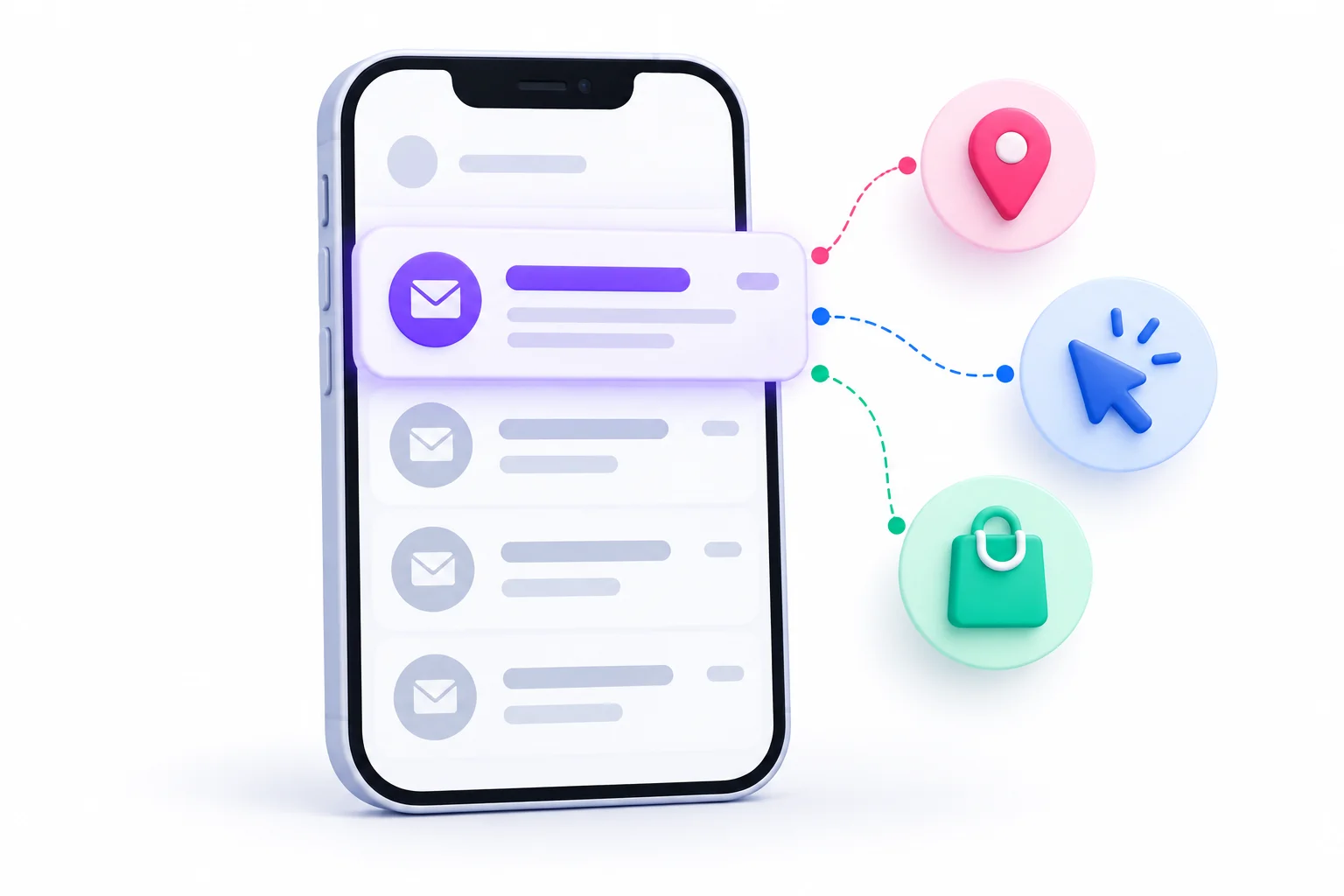
“Personalize your subject lines” is probably the most repeated email tip on the internet. And most people take it to mean one thing: stick the person’s first name at the front. That’s the shallowest version of personalization, and honestly, everyone’s inbox is full of it now.
Real personalization is about relevance. Sending the right message to the right person based on what you know about them.
The Levels of Personalization
| Level | Data Needed | Example | Effort |
|---|---|---|---|
| Name | First name | “Rahul, here’s your weekly roundup” | Low |
| Location | City or region | “New winter collection now in Pune stores” | Low |
| Behavior | Browsing, clicks, purchases | “Still thinking about the running shoes?” | Medium |
| Lifecycle stage | Signup date, activity level | “It’s been 6 months, here’s what’s new since you joined” | Medium |
| Predictive | Your email platform’s AI recommendations | “Picked for you based on your last order” | High |
Look at how the value changes as you move down the table. A first name tells the reader you have their name. A behavior-based subject line tells them you noticed what they care about. That’s a very different feeling.
Some practical ways to go deeper:
- Reference past purchases: “Time to restock your green tea?”
- Reference something they downloaded: “Part 2 of the SEO checklist you grabbed”
- Reference their stage: “Your first week: 3 things to set up”
- Reference their interests: If they only click on vegan recipes, stop sending them steak promotions
Segmentation: The Real Personalization
Here’s something worth saying plainly. You don’t need fancy dynamic subject lines to personalize. You need segments.
Segmentation means splitting your list into groups based on shared traits, then sending each group a slightly different email. That might mean:
- New subscribers vs long-time customers
- People who bought in the last 30 days vs people who haven’t bought at all
- People interested in product A vs product B
- Different regions or languages
When you write a subject line for one specific group instead of your whole list, it naturally becomes more relevant. “New arrivals for your home office” sent only to people who bought desk accessories beats “New arrivals” sent to everyone.
Fallbacks and Merge Tag Disasters
Merge tags (or personalization tags) are the bits of code that pull in a subscriber’s details, like {{first_name}}. They’re useful. They also break in very embarrassing ways.
You’ve probably seen these in your own inbox:
- “Hi {FIRST_NAME}, we have a deal for you”
- “Hey , check this out” (the name field was empty)
- “Hi TEST, your order is ready”
- “Hi rahul_kumar_92, welcome!” (the username got pulled instead of the name)
How to avoid it:
- Set a fallback value. Most platforms let you define a default, like “there” or “friend,” so an empty field becomes “Hi there” instead of “Hi ,”
- Clean your data. Check for blank names, ALL CAPS names, and junk entries
- Send test emails to a few contacts with missing fields before every campaign
- Don’t personalize with data you’re not sure about. If half your list has no first name, maybe skip the name entirely
💡 Pro Tip
Relevance beats name insertion. A subject line written for a specific segment, with no name at all, will often outperform a generic subject line with a name stuck on the front. People notice when an email is actually for them.
Emojis, Punctuation, Capitalization and Symbols
These small details cause a surprising amount of debate. Do emojis help? Is title case better? Can you use exclamation points? The answer to most of these is “it depends on your brand and audience,” but there are clear patterns to follow.
When Emojis Help and When They Hurt
Emojis can make a subject line stand out in a wall of plain text. They add color and emotion in a single character. But they can also look spammy, unprofessional, or just confusing.
Emojis tend to help when:
- Your brand voice is casual or playful, like food, fashion, lifestyle, or entertainment
- The emoji adds meaning, like a 🎁 for a gift offer or a 📦 for shipping updates
- You use one, not five
- Your audience is used to them from your brand
Emojis tend to hurt when:
- The audience is formal, like legal, finance, or senior B2B buyers
- They replace important words. “Big 🔥 sale on 👟” is harder to read than it looks
- They render badly. Some older email apps show emojis as blank boxes or question marks
- You use them every single time. Then they stop standing out
One more thing. Apple Intelligence reportedly ignores emojis when generating its inbox summaries, so an emoji won’t carry meaning into an AI preview. Never rely on an emoji alone to communicate something important.
How Screen Readers Read Emojis (Accessibility)
This one gets ignored a lot. People who are blind or have low vision often use screen readers, which read text out loud. Screen readers don’t skip emojis. They read out the emoji’s name.
So a subject line like “🔥🔥🔥 Hot deals inside 🔥🔥🔥” gets read aloud as something like: “Fire, fire, fire, hot deals inside, fire, fire, fire.”
That’s annoying at best and confusing at worst. A few accessibility rules:
- Use one emoji at most, and put it at the end or after a word, not in place of one
- Never use emojis to replace words, since the spoken name may not match your intended meaning
- Don’t stack repeated emojis
- Think about what the emoji’s name sounds like when read aloud. Some have long, odd descriptions
Sentence Case vs Title Case
Sentence case means you capitalize only the first word and proper nouns: “Your order has shipped.” Title case means you capitalize most words: “Your Order Has Shipped.”
Neither is wrong. But here’s the honest take. Sentence case usually feels more human and conversational, like a message from a person. Title case feels more formal, like a headline or an announcement.
Most modern brands lean toward sentence case for that reason. Whatever you choose, be consistent.
And one hard rule: don’t write in ALL CAPS. It reads like shouting, it’s harder to read, and it’s a pattern spam filters have historically associated with junk mail.
Punctuation: Question Marks, Exclamation Points, Brackets
Punctuation changes the tone of a subject line more than people expect.
- Question marks invite the reader to answer in their head. They work well for engagement and problem-focused emails.
- Exclamation points add energy, but one is plenty. Three in a row (“Sale ends tonight!!!”) looks desperate and spammy.
- Brackets are great for signaling format. “[Guide]”, “[Webinar]”, “[Template]” tell the reader exactly what kind of content is inside.
- Ellipses (“Wait until you see this…”) build suspense but can feel cheap if overused.
- Colons help structure: “New guide: how to write better subject lines”
| Element | Do | Don’t |
|---|---|---|
| Emojis | Use one relevant emoji, after a word | Replace key words or stack several |
| Capitalization | Use sentence case | Write in ALL CAPS |
| Exclamation points | Use rarely, one at most | Use multiple (!!!) |
| Question marks | Ask a specific question | Ask something easy to answer “no” to |
| Brackets | Signal format, like [Guide] or [Webinar] | Fill them with hype like [URGENT!!!] |
| Symbols | Use % or $ when they add real info | Use $$$ or excessive symbols for attention |
Spam Filters, Deliverability and the Subject Line
Here’s an uncomfortable truth. Your subject line could be perfect, and if your email lands in spam, nobody will ever see it. Deliverability (whether your email reaches the inbox) comes first. Everything else comes second.
How Spam Filtering Works Today
A lot of people still picture spam filters as a word list. Use “FREE” and you’re in spam. Avoid it and you’re safe. That’s not really how modern filtering works.
Today, inbox providers like Gmail, Yahoo, and Outlook look at a whole bunch of signals together. The big ones:
- Sender reputation. Has this domain and sending IP sent good mail in the past? Do people engage with it, or report it?
- Authentication. Can the email prove it really comes from who it says it’s from? (More on this shortly.)
- Engagement. Do recipients open, click, reply, and move emails out of spam? Or do they ignore and delete?
- Spam complaints. How often do people hit “report spam”?
- Content and formatting. Suspicious links, broken HTML, image-only emails, misleading claims.
- List quality. Are you sending to lots of invalid or old addresses?
The subject line is part of the content signal. But it’s one piece of a much bigger picture.
The Spam Trigger Words Myth
You’ll find huge lists online of “spam trigger words.” Free, guarantee, winner, cash, act now, and hundreds more. The idea is that using any of them sends you straight to spam.
So is that true? Mostly no. A word on its own rarely sinks an email from a sender with a good reputation. Brands send “Free shipping this weekend” all the time and land in the inbox just fine.
What actually gets you in trouble:
- Patterns that look like spam, like ALL CAPS, lots of exclamation points, excessive dollar signs
- Misleading subject lines, like fake “Re:” or “Fwd:” to pretend it’s a reply
- Subject lines that don’t match the content, which leads to complaints
- Poor reputation combined with salesy language, because a new or low-trust sender gets less benefit of the doubt
So don’t panic about individual words. Focus on being honest, clear, and not shouty.
Gmail and Yahoo Bulk Sender Requirements
Since February 2024, Gmail and Yahoo have enforced stricter rules for bulk senders. Gmail defines a bulk sender as anyone sending around 5,000 or more messages to Gmail addresses in a single day. Yahoo uses its own criteria without publishing a fixed number. Either way, these rules are good practice no matter how small your list is.
The main requirements:
- Authenticate your email. Set up SPF and DKIM, and publish a DMARC record. These are technical settings that prove your emails really come from your domain.
- Offer one-click unsubscribe. Marketing emails need an unsubscribe option built into the email headers, so people can opt out with a single click from their inbox. You should also keep a visible unsubscribe link in the email itself.
- Honor unsubscribes within two days. If someone opts out, stop emailing them quickly.
- Keep spam complaints low. Your spam complaint rate should stay below 0.3%, and ideally under 0.1%. That 0.3% works out to about three complaints per 1,000 delivered emails.
Why does this connect to subject lines? Because misleading or aggressive subject lines drive spam complaints. And complaints are now one of the clearest ways to damage your deliverability with the two biggest consumer inboxes.
Misleading Subject Lines and the Law
Subject lines aren’t just a marketing issue. In many places, they’re a legal one. This isn’t legal advice, but here’s the general picture:
- CAN-SPAM (United States) prohibits deceptive subject lines. Your subject line must accurately reflect what’s in the email.
- GDPR (European Union) focuses on consent and how personal data gets collected and used, which affects who you can email in the first place.
- India’s Digital Personal Data Protection Act, 2023 sets rules around consent and the processing of personal data, which also affects how you build and use your email list.
The common thread: get proper consent, and don’t trick people. A subject line that pretends to be something it’s not can break the law in some countries and break trust everywhere.
| Red Flag | Why It Hurts | Better Alternative |
|---|---|---|
| Fake “Re:” or “Fwd:” | Deceptive, legal risk, angry readers | Write an honest subject line that reflects the content |
| ALL CAPS | Looks like spam, reads like shouting | Use sentence case |
| Misleading urgency | Leads to complaints and unsubscribes | Only use real deadlines |
| Excessive symbols ($$$, !!!) | Matches common spam patterns | Use symbols only when they add real information |
| Promises the email doesn’t keep | Drives spam reports | Make sure the email delivers exactly what the subject promises |
| Pretending to be personal when it’s not | Feels manipulative once opened | Personalize based on real data, or don’t |
📌 Key Takeaway
If the inbox doesn’t trust you, no subject line will be seen. Authentication, permission, and honest subject lines come before any clever wording.
Writing for AI-Powered Inboxes
This is the newest piece of the puzzle, and most subject line guides haven’t caught up yet. Inboxes are starting to read your emails for people and tell them what’s inside. That changes things.
What Changed: Summaries, Priority Sorting and Smart Tabs
Over the last couple of years, the big email providers added AI features that affect how your emails show up:
- Gmail (Gemini): Gmail can generate short summaries of emails and email threads. On mobile, it can show “summary cards” automatically for longer threads. In January 2026, Google rolled out more Gemini features in Gmail, including AI summaries of threads and AI-assisted inbox prioritization.
- Apple Mail (Apple Intelligence): On supported devices, Apple Mail can replace the usual preview text with a short AI summary right in the inbox list. It can also flag messages it thinks are a priority.
- Outlook (Copilot): Outlook can summarize emails for users as well.
There’s an important difference. Gmail’s and Outlook’s summaries mostly show up after someone opens the email. Apple’s can appear before the open, directly in the inbox, replacing your preheader with its own one-line summary.
On top of that, inboxes have long sorted mail into tabs and categories (like Gmail’s Primary, Promotions, and Updates tabs). AI prioritization adds another layer of sorting on top.
These features are rolling out at different speeds and users can often turn them off, so not every subscriber sees them. But enough people do that it’s worth adjusting how you write.
When the Inbox Rewrites Your Preview
Here’s the part that hurts. You carefully write a preheader to pair with your subject line. Then on a recent iPhone with Apple Intelligence switched on, the recipient might not see your preheader at all. They see Apple’s summary of your email instead.
And what does that summary come from? Your email’s actual text. Apple’s summaries reportedly look at the live text of the email and ignore images, alt text, and emojis.
Look at what that means in practice:
- Your first sentence matters more than ever. If your email opens with “Hey there! Hope your week is going well!” the AI might summarize that fluff.
- Image-heavy emails get weak summaries. If your main offer is inside an image, the AI may not see it at all.
- Vague teaser subject lines lose their power. If your subject says “You won’t believe what’s inside” but the AI summary just tells the reader exactly what’s inside, the curiosity gap closes before they open.
How to Adapt
So how do you write for an inbox that reads your email before your subscriber does?
- Be clear and specific in the subject line. Vague subject lines give the AI nothing to work with and give people no reason to open.
- Write a strong first sentence. Put your main point, offer, or news right at the top of the email body in real text.
- Use live text for important info. Don’t bury your discount code or deadline inside an image.
- Make sure subject, preheader, and opening line agree. If they all point to the same clear message, any summary is more likely to be accurate.
- Deliver what the subject line promises. If the subject says “3 ways,” the email should have exactly 3 ways. Mismatches look worse when an AI summary exposes them.
- Stay relevant and get engagement. Prioritization systems learn from how people interact with senders. Emails people actually open and click are more likely to be treated as important.
🚫 Myth Buster
“AI inboxes make subject lines irrelevant.” Nope. They make vague subject lines irrelevant. Clear, honest, specific subject lines work better than ever, because they match what the AI ends up saying anyway.
Email Subject Lines by Campaign Type: Examples and Templates
Not every email has the same job. A welcome email needs to make people feel good about signing up. A cart reminder needs to get a sale over the line. A cold email needs to get a stranger to reply. So email subject lines that work brilliantly for one type of campaign can flop in another.
Below, you’ll find each campaign type explained, what to focus on, and a batch of original examples you can adapt. Swap in your own product, audience, and voice.
Welcome Emails
The welcome email is often one of the most opened emails you’ll ever send, because the subscriber literally just asked for it. Your job is to confirm they’re in the right place, set expectations, and deliver anything you promised.
Focus on: warmth, confirmation, and delivering the signup incentive.
- “You’re in! Here’s your 10% off code”
- “Welcome to the club, here’s what happens next”
- “Your free guide is inside (as promised)”
- “Thanks for joining, let’s get you set up”
- “Hi there, here’s what to expect from us”
- “Welcome! Start with our 3 most popular recipes”
Newsletters
Newsletter subscribers already chose to hear from you regularly. The challenge is staying interesting week after week so opens don’t slowly drop off. Avoid generic subject lines like “Issue #47” or “Our March newsletter.”
Focus on: the most interesting thing inside, not the fact that it’s a newsletter.
- “The pricing mistake almost every new founder makes”
- “Why your Instagram reach dropped this month”
- “3 tools worth trying, 1 to avoid”
- “What a 10-year-old taught us about product design”
- “This week: AI summaries, Gmail tabs, and a free template”
- “The one chart that changed how we plan content”
Promotional and Sale Emails
These are your direct revenue emails. They need to make the offer instantly clear and give a reason to act. Readers should know what they’re getting and how long they have.
Focus on: the offer, the deadline, and specifics.
- “30% off everything, today only”
- “Your favorite sneakers just dropped in price”
- “Buy one, get one free on all candles”
- “Free shipping ends at midnight”
- “Early access: our winter sale starts now for you”
- “The jackets you liked are 25% off”
Abandoned Cart Emails
Someone added items to their cart and left. They were interested. Your subject line needs to gently remind them without sounding pushy.
Focus on: the specific item, a helpful tone, and sometimes an extra nudge.
- “You left something in your cart”
- “Still thinking about the blue linen shirt?”
- “Your cart is saved, ready when you are”
- “Need help deciding? Here’s what others say”
- “Your items are going fast”
- “Here’s 10% off to complete your order”
A small caution: if you always offer a discount in cart reminders, some customers will learn to abandon carts on purpose to wait for the code.
Product Launch and Announcements
Launches are exciting for the company. But readers only care if the new thing helps them. Lead with the benefit, not just “we launched something.”
Focus on: what’s new and why it matters to the reader.
- “New: plan your whole week in one screen”
- “It’s finally here, dark mode for everyone”
- “Meet the lightest laptop bag we’ve ever made”
- “You asked, we built it: bulk export”
- “Introducing the 5-minute version of our course”
- “Now available in 3 new colors”
Event and Webinar Invitations
Event emails need to communicate what, when, and why. People decide fast whether something fits their schedule and is worth their time.
Focus on: the topic, the benefit, and the date or time.
- “[Live Thursday] How to fix a leaky sales funnel”
- “Free workshop: build your first email sequence”
- “Join us Saturday for a hands-on SEO session”
- “Starting in 1 hour: your seat is ready”
- “Missed it? Here’s the recording”
- “Only 20 seats left for next week’s masterclass”
Re-engagement and Win-Back
These go to people who’ve stopped opening or buying. They might have forgotten you or lost interest. The goal is to remind them why they signed up, or politely let them go.
Focus on: honesty, a reason to come back, and sometimes a clear choice.
- “We miss you (and we’ve changed a lot)”
- “Still want to hear from us?”
- “Here’s what you’ve missed since your last visit”
- “Come back for 20% off, just this week”
- “Should we stop emailing you?”
- “Last email unless you tell us otherwise”
That “should we stop emailing you” style can feel scary to send, but it often works. And people who don’t respond are probably better removed anyway, since inactive subscribers can drag down your deliverability.
B2B Cold Outreach
Cold emails go to people who’ve never heard of you. Trust is zero. So the subject line needs to feel like a normal, human email from a real person, not a marketing blast.
Focus on: short, plain, specific, and relevant to the recipient’s role or company.
- “Question about your onboarding process”
- “Idea for [Company]’s blog”
- “[Mutual connection] suggested I reach out”
- “Quick thought on your Q4 hiring plans”
- “Saw your talk on retention, one follow-up”
- “Helping [similar company] cut churn”
Keep cold subject lines lowercase-friendly and conversational. They should look like something a colleague would send.
Follow-Up Emails
Follow-ups go out when someone hasn’t replied. They need to remind without nagging, and ideally add something new.
Focus on: context, brevity, and a fresh reason to respond.
- “Following up on my last note”
- “One more idea for you”
- “Did this get buried?”
- “Quick follow-up + a free resource”
- “Is this still a priority for your team?”
- “Closing the loop on this”
Avoid the fake “Re:” trick here. Using “Re:” when there was no previous conversation is deceptive.
Transactional Emails
Order confirmations, shipping updates, password resets, receipts. People actively want these, so clarity is everything. Don’t be cute. Be useful.
Focus on: exactly what happened and any key detail.
- “Your order #4821 is confirmed”
- “Your package ships today”
- “Out for delivery: arriving by 6 p.m.”
- “Reset your password”
- “Your receipt from Brightleaf Studio”
- “Your appointment is confirmed for Monday at 3 p.m.”
Seasonal and Festival Campaigns (Diwali, Black Friday, New Year)
Seasonal campaigns are crowded. Every brand sends a “Happy Diwali” or “Black Friday Sale” email in the same week. To stand out, you need either a sharper offer or a more specific angle.
Focus on: a clear offer, a specific angle, and timing.
- “Diwali gifting sorted, picks under ₹999”
- “Light up your home: Diwali décor up to 40% off”
- “Black Friday starts now (for subscribers only)”
- “The Black Friday deals we’d actually buy”
- “New year, cleaner inbox: our 5-minute reset”
- “Start the year with a free planning template”
| Campaign Type | Primary Goal | Best Formula | Ideal Tone |
|---|---|---|---|
| Welcome | Set expectations, deliver incentive | Direct benefit | Warm, friendly |
| Newsletter | Keep readers engaged | Curiosity, number list, news | Conversational |
| Promotional | Drive sales | Urgency, direct benefit | Energetic, clear |
| Abandoned cart | Recover a sale | Personalized, reminder | Helpful, light |
| Product launch | Announce something new | Direct benefit, news | Excited but clear |
| Event / webinar | Get registrations | How-to, urgency | Inviting |
| Re-engagement | Win back or clean list | Question, honest | Honest, low-pressure |
| Cold outreach | Start a conversation | Short, specific question | Human, plain |
| Follow-up | Get a reply | Short reminder | Polite, brief |
| Transactional | Inform | Clear statement | Direct, factual |
| Seasonal | Stand out in a crowded week | Urgency, specific angle | Festive but focused |
B2B vs B2C: How Subject Lines Differ
Selling to businesses and selling to consumers are different games. The person reading your email is different, the decision process is different, and so the subject lines that work are different too.
| Factor | B2B | B2C |
|---|---|---|
| Decision driver | Return on investment, time saved, risk reduced | Emotion, deals, lifestyle |
| Tone | Professional, plain, helpful | Playful and personal is often fine |
| Emojis | Use sparingly, if at all | More widely accepted |
| Best framing | Problem and solution | Offer and lifestyle |
| Key metric | Replies, demo bookings, meetings | Clicks, purchases |
| Buying cycle | Long, often involves several people | Shorter, often one person |
Decision Drivers
B2B buyers are spending company money and often need to justify it to a boss or team. So subject lines that talk about saving time, cutting costs, reducing risk, or improving results tend to land. “Cut your reporting time by half” speaks to a manager drowning in spreadsheets.
B2C buyers are usually spending their own money on things they want or need. Emotion plays a bigger role. Excitement, fear of missing out, treating yourself, gifting. “The cozy sweater you’ll live in all winter” works because it sells a feeling.
Tone
B2B subject lines generally work better when they sound like a helpful colleague. Clear, direct, no fluff. “New template: client onboarding checklist.”
B2C has more freedom. Brands can be funny, quirky, or emotional, depending on their voice. “Our pancake mix just got a glow-up.”
Emojis and Formatting
B2B audiences, especially in conservative industries, often see emojis as unprofessional. A single emoji in a newsletter might be fine. In a cold sales email to a CFO? Probably not.
B2C audiences are generally more comfortable with emojis, especially in fashion, food, beauty, and entertainment.
Metrics That Matter
In B2B, a reply or a booked meeting is often worth far more than a click. So judge B2B subject lines by replies and pipeline, not just clicks.
In B2C, clicks and purchases are usually the main measures. The path from email to sale is shorter.
One more B2B quirk worth remembering from earlier: corporate security scanners can trigger fake opens and even fake clicks. So B2B click data needs a little more skepticism too. Replies and meetings are the cleanest signals.
How to A/B Test Subject Lines the Right Way
A/B testing means sending two versions of an email (version A and version B) to different parts of your list and seeing which performs better. Most email platforms make this easy. But easy to set up isn’t the same as easy to do well. A lot of subject line “tests” teach the wrong lessons.
Here’s a proper method, step by step.
Step 1: Start with a Hypothesis
Don’t just test two random subject lines. Decide what you’re trying to learn first.
A hypothesis is a simple statement you can prove right or wrong. For example:
- “Adding a deadline to our sale subject lines will increase clicks.”
- “Our audience responds better to questions than statements.”
- “Including the product name works better than a general benefit.”
Why bother? Because if you test “Summer sale is here” vs “Hot deals for hot days” and one wins, you don’t really know why. If you test with a clear hypothesis, you learn something you can reuse.
Step 2: Test One Variable at a Time
Change only one thing between version A and version B. If you change the length, the emoji, and the framing all at once, you won’t know which change made the difference.
Good single-variable tests:
- Short vs long
- With emoji vs without
- With personalization vs without
- Question vs statement
- Benefit vs curiosity
- With a number vs without
Keep everything else the same: same email content, same sender name, same send time, same audience type.
Step 3: Choose the Right Winning Metric (Clicks over Opens)
This is where most tests go wrong. Many platforms default to picking the winner by open rate. But as covered earlier, opens are inflated by Apple’s privacy feature and distorted by image blocking and security scanners.
So pick the winner based on:
- Click rate for most marketing emails
- Reply rate for cold and sales emails
- Conversions or revenue if you can track them
And always keep an eye on unsubscribe and spam complaint rates. A subject line that wins on clicks but doubles your spam complaints isn’t really a winner.
Step 4: Get a Big Enough Sample
If you test on a tiny group, random chance can easily make one version look better. Send version A to 100 people and version B to 100 people, and a difference of a few clicks means almost nothing.
There’s no single magic number, because it depends on your list size and how big a difference you’re looking for. But the general rules:
- Bigger samples give more reliable results
- Small differences need bigger samples to trust
- Use your platform’s statistical significance feature if it has one, or an online A/B test significance calculator
- If your list is small, test fewer things and repeat the same test over multiple sends before drawing conclusions
Step 5: Run It Long Enough
People don’t all check email at the same time. Some open in minutes, others the next morning. If you pick a winner after one hour, you’re only measuring the fastest readers, who might behave differently from everyone else.
- Give tests enough time for most of your audience to engage, often at least several hours and sometimes a full day
- Be careful with automatic winner selection. Many platforms send version A and B to a small test group, then automatically send the winner to the rest. If that test window is too short, the “winner” can be a fluke.
- Watch out for timing effects. A test sent on a holiday or during a big news event might not reflect normal behavior
Step 6: Log Results and Build a Playbook
A single test result is a data point. A collection of test results is a playbook. Keep a simple log of every test.
Your log can be as basic as a spreadsheet with these columns:
- Date
- Campaign type
- Hypothesis
- Version A and Version B
- Sample size
- Winning metric and results
- What you learned
After a few months, patterns will appear. Maybe your audience consistently prefers specific numbers. Maybe questions keep losing. That’s knowledge competitors can’t copy, because it’s about your audience.
| Variable | Version A | Version B |
|---|---|---|
| Length | “Sale ends tonight” | “Our biggest sale of the season ends tonight at midnight” |
| Personalization | “Neha, your picks are ready” | “Your picks are ready” |
| Framing | “Save 2 hours a week on reports” | “The reporting shortcut nobody told you about” |
| Emoji | “New arrivals are here 🌸” | “New arrivals are here” |
| Format | “Still chasing late invoices?” | “How to get paid on time, every time” |
💡 Pro Tip
A test that “wins” by a tiny margin on a small list is usually noise. Before rewriting your whole approach based on one result, run the same type of test again. If the pattern holds twice or three times, then trust it.
Using AI and Tools to Write Better Subject Lines
You don’t have to write every subject line from scratch with nothing but willpower. There are tools that help you brainstorm, preview, test, and polish. The trick is using them as helpers, not replacements for your judgment.
Using AI as a Brainstorming Partner
AI writing tools like ChatGPT, Claude, and Gemini are genuinely useful for getting past the blank page. They can spit out dozens of email subject lines in seconds, in different styles. Most of them won’t be usable. But a few might spark the right idea.
A simple workflow that works:
- Give context. Tell the tool who the audience is, what the email is about, the offer, the tone, and any rules (like character limits or no emojis).
- Ask for volume. Request 20 or so options across different formulas.
- Shortlist three. Pick the ones that are clear, relevant, and on-brand.
- Edit them yourself. Rewrite in your voice, tighten words, and fix anything generic.
- Test the best two. Use your A/B testing process.
Here’s an example prompt you can adapt:
Write 20 email subject lines for a promotional email.
Audience: small business owners who use our invoicing software.
Offer: 30% off annual plans, ends Friday.
Tone: friendly, clear, not pushy.
Rules: under 45 characters, no emojis, no ALL CAPS, no fake urgency.
Include a mix of direct benefit, urgency, question, and curiosity formulas.
Where AI Falls Short
AI tools are fast, but they have real weaknesses:
- Sameness. Since lots of people use the same tools, AI-generated subject lines can start to sound alike. “Unlock your potential,” “Elevate your game,” “Discover the secret to…” Everyone’s inbox is full of these.
- Brand voice drift. Unless you give very clear instructions and examples, the output often sounds generic rather than like your brand.
- Made-up claims. AI can invent numbers, results, or features that don’t exist. Never send a subject line with a claim you can’t back up.
- No knowledge of your audience. The tool doesn’t know what your subscribers have responded to before. Your test log does.
So use AI for ideas and speed, then bring your own judgment, data, and voice.
Testing and Preview Tools
Beyond AI writers, there are a few categories of tools that help with subject lines. Features change often, so check each tool’s current capabilities before choosing.
| Tool Type | Examples | Use It For |
|---|---|---|
| Email platform built-in testing | Mailchimp, Klaviyo, HubSpot | Running A/B tests, checking results, scheduling sends |
| Inbox preview tools | Litmus, Email on Acid | Seeing how subject lines, preheaders, and emails look across devices and apps |
| Subject line graders | Various free online checkers | Quick checks on length and obvious issues (treat scores as guidance, not truth) |
| AI writing tools | ChatGPT, Claude, Gemini | Brainstorming and rewriting options |
A word on subject line graders. They’re handy for catching obvious problems, like a line that’s too long or packed with symbols. But they don’t know your audience. A grader might give a low score to something your readers love. Your own test results always beat a generic score.
Common Subject Line Mistakes (and How to Fix Them)
Even experienced marketers fall into these. The good news is that most of them are easy to fix once you spot them.
| Mistake | Why It Hurts | Fix |
|---|---|---|
| Vague teasers | Readers can’t tell what’s inside, and AI summaries flatten the mystery anyway | State the topic or benefit clearly |
| Clickbait | High opens once, then high unsubscribes and lost trust | Make sure the email delivers exactly what the subject promises |
| Ignoring mobile | The important part gets cut off | Front-load key words into the first 30 or so characters |
| Using the same formula every send | Readers get fatigued and tune out | Rotate between different formulas |
| Broken personalization | Looks automated and careless | Set fallback values and test before sending |
| Judging by opens only | Picks false winners because opens are inflated | Use clicks, replies, or conversions |
| Fake urgency | Trains readers to ignore your deadlines | Only use real deadlines and limited offers |
| Leaving the preheader blank | Wastes half the preview with random text | Write a preheader for every email |
| ALL CAPS and excessive punctuation | Looks spammy, reads like shouting | Use sentence case and minimal punctuation |
| Writing for yourself, not the reader | Feels like an announcement, not a message | Frame every subject line around the reader’s benefit |
Conclusion
Getting more opens isn’t about finding one magic phrase. It’s about a handful of things done well, again and again. Earn trust with a recognizable sender name. Be clear about what’s inside. Make it relevant to the specific person reading. Put the important words where phones won’t cut them off. Write a preheader that pulls its weight. And keep your sender reputation clean so your emails actually reach the inbox in the first place.
The way opens get measured has changed too, and that’s worth remembering every time you look at a report. Open rate is a rough signal now. Clicks, replies, and conversions tell you what real people actually did, so judge your email subject lines on those. The inbox itself keeps changing as well, with AI summaries and smart sorting rewarding emails that are honest and specific over ones that rely on cheap tricks.
Here’s the thing worth keeping in mind. The goal isn’t simply more opens. It’s more of the right opens, from people who actually want what’s inside and will act on it. A subject line that gets fewer opens but more clicks and sales is the better subject line, every time.
So start small. Pick your next campaign, write two versions of the subject line with one clear difference between them, and test them on clicks. Run the checklist before you send. Log what you learn. Do that for a few months and you’ll stop guessing, because you’ll have your own playbook built from your own audience.
Frequently Asked Questions
What is the ideal length for a subject line?
There’s no single perfect length, but keeping the key message within about 30 to 40 characters is a safe bet for mobile. Gmail on some Android phones shows only around 33 characters before cutting off, while Apple Mail on iPhone shows closer to 48. Longer subject lines can still work, as long as the important words come first.
Do emojis increase open rates?
Sometimes, but not always. Emojis can help a subject line stand out, especially for casual brands like food, fashion, or lifestyle. They can also hurt in formal industries, render badly in older email apps, and get read aloud awkwardly by screen readers. Test them with your own audience instead of assuming.
Should I use the subscriber’s name in the subject line?
You can, but name personalization alone has become very common, so it doesn’t stand out the way it once did. Personalization based on behavior, like past purchases or browsing, is usually more powerful. If you do use names, always set a fallback value so empty fields don’t produce “Hi ,”.
What words trigger spam filters?
Modern spam filters care much more about sender reputation, authentication, engagement, and spam complaints than individual words. A word like “free” rarely sends a trusted sender to spam on its own. What causes trouble is spammy patterns, like ALL CAPS, lots of exclamation points, misleading claims, and subject lines that don’t match the content.
Is open rate still a useful metric after Apple Mail Privacy Protection?
It’s useful as a rough signal, but not as a precise measurement. Apple’s feature preloads emails for users who turn it on, which can make them count as opens even if they never looked. Open rate is best used for comparing trends over time. For judging email subject lines and campaigns, clicks, replies, and conversions are more reliable.
How many subject lines should I test at once?
For most senders, two versions at a time is the cleanest approach. Testing more versions splits your audience into smaller groups, which makes results less reliable unless your list is large. Change only one thing between versions so you know what caused the difference.
What’s the difference between a subject line and preheader text?
The subject line is the main headline of your email in the inbox. The preheader is the short grey text that appears next to or below it. They work as a team: the subject line grabs attention, and the preheader adds context or a second reason to open. If you don’t write a preheader, the email app pulls in random text from your email.
Can I use “Re:” or “Fwd:” in marketing emails?
Only if the email genuinely is a reply or a forward. Using “Re:” or “Fwd:” to fake a previous conversation is deceptive. It can annoy readers, lead to spam complaints, and in some countries it can break anti-spam laws that prohibit misleading subject lines.
Does the best send time matter more than the subject line?
Both matter, but they do different jobs. Send time affects whether your email is near the top of the inbox when someone checks it. The subject line affects whether they open it once they see it. A great subject line can still work at an average time, but a bad subject line rarely gets rescued by perfect timing. Test both separately.
Should subject lines be written in title case or sentence case?
Either works, but sentence case (capitalizing only the first word and proper nouns) usually feels more natural and conversational, like a message from a person. Title case feels more formal, like an announcement. Pick one style that fits your brand and stay consistent. Just avoid ALL CAPS.