

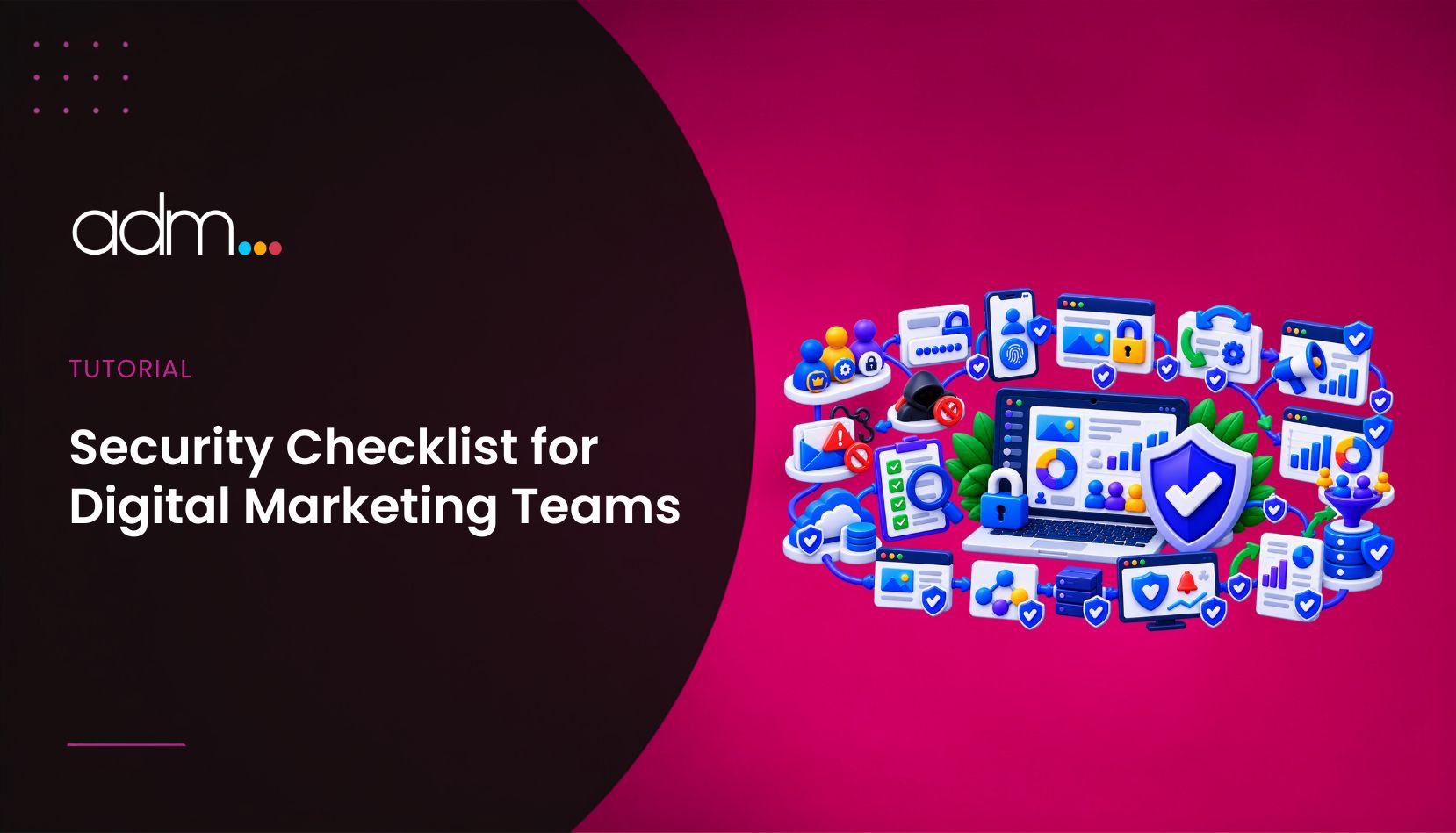
A modern digital marketing team rarely sits in one office. Strategists work from home, freelancers join from other cities, and account managers check campaign dashboards from airports and coworking spaces. That flexibility is one of the industry’s biggest strengths. It also means the keys to your clients’ businesses (ad accounts, analytics, CMS logins, social profiles) travel with your team wherever they go.
For agencies and in-house teams alike, security is no longer an IT afterthought. It is part of client service. A single compromised login can pause a client’s campaigns, drain an ad budget or publish something on a brand’s social account that nobody approved. Here is a practical checklist to keep your work, and your clients, protected.
Map every account you have access to
Most agencies are surprised by how many logins they hold: Google Ads, Meta Business Manager, Google Analytics, Search Console, WordPress admin panels, email platforms, CRM tools and more. Start with a simple spreadsheet listing the client, the platform, who has access and at what permission level. When someone leaves or a contract ends, this list tells you exactly what to revoke.
Use access delegation instead of shared passwords
Platforms like Meta Business Manager and Google Ads let clients grant access to individual user accounts. Use that feature. Shared logins make it impossible to see who changed what, and they turn every staff departure into a scramble. Ask clients to add your team members as users with the lowest permission level that still lets them do the job.
Turn on two-factor authentication everywhere
Stolen and reused credentials remain one of the most common ways attackers get in, a pattern the Verizon Data Breach Investigations Report has highlighted year after year. Two-factor authentication on every work account blocks the large majority of these attempts. Where possible, choose authenticator apps or hardware keys over SMS codes.
Secure the connection, not just the account
This is where remote teams often slip. A strong password means little if it travels over a poorly secured network. Coworking spaces, hotel wifi and café hotspots are convenient, but you rarely know who else is on them or how they are configured. An encrypted connection keeps login sessions and client data out of reach of anyone snooping on the network.
That is why many agencies now include a vpn for business in their standard toolkit, right next to their project management and reporting software. Unlike a consumer app that each person installs and manages on their own, a business setup lets a team lead manage users centrally, add or remove freelancers in minutes and apply the same protection to everyone. For marketers there is a bonus: the ability to view search results and ads as they appear in other regions, which is genuinely useful when running international or local SEO campaigns.
Keep devices clean and updated
Outdated browsers and plugins are open doors. Set devices to update automatically, use reputable security software and be selective with browser extensions. Many SEO and marketing extensions request access to every page you visit, including your client dashboards. Install only what you actively use and remove the rest.
Train the team to spot phishing
Marketers are attractive targets. Fake “your ad account has been suspended” emails and bogus copyright warnings circulate constantly, and they are designed to feel urgent. A short internal session on checking sender domains and never logging in through email links pays off quickly. Encourage people to report suspicious messages rather than quietly deleting them, so the rest of the team is warned too.
Plan for offboarding from day one
Freelancers and short-term contributors are a normal part of agency life. Build offboarding into every project: revoke platform access, remove the person from shared tools and network access, and rotate any credentials they may have seen. With the access map from step one, this takes minutes rather than hours.
Security as a selling point
Clients rarely ask about security during a pitch, but they care deeply when something goes wrong. Agencies that can explain how they protect client accounts come across as more professional and more trustworthy. For students and freelancers building a career in digital marketing, these habits are worth learning early. Knowing how to run a campaign is valuable; knowing how to run it safely makes you someone clients can trust with the keys.